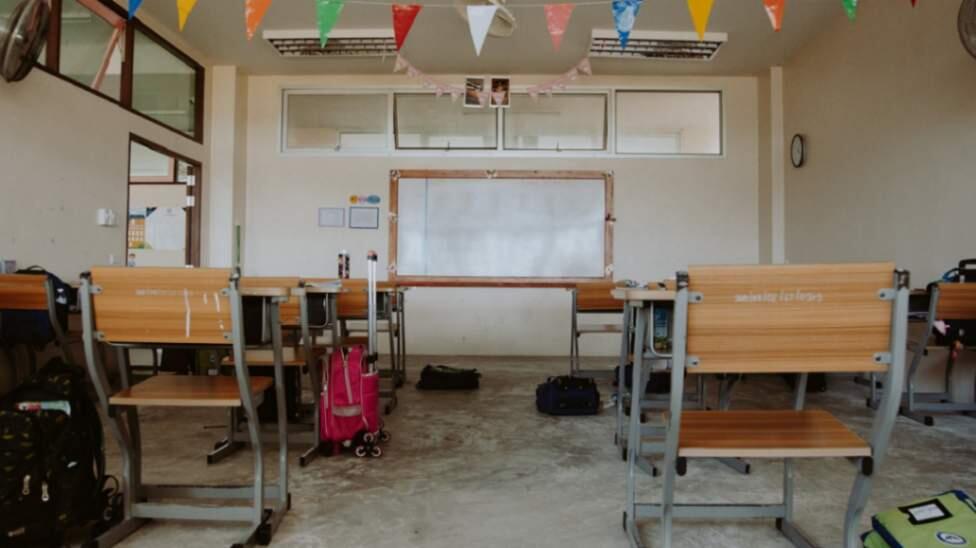
Parents and guardians in the Western Cape wanting to apply for Grade R for their child should do so as soon as possible as the Western Cape Education Department (WCED) will soon be closing the application period. Thousands of children will enter formal schooling for the first time in 2025 and begin their basic education journey.
Parents of children turning six in 2025 can apply for 2025 admission at a Western Cape school.
How To Apply
Applications for Grade R can be completed online on the WCED online admissions website.
Parents who have not registered on the online system previously will first need to register on the online site. Once registration is completed, they can then proceed to the application.
Before parents start their applications, they are encouraged to have the following at hand to make the process easier: pen and paper to write their password for safekeeping, email address, ID number, and scanned certified documents (labelled according to each document).
A Step By Step Guide On How To Apply For Grade R
Step 1: Visit the WCED Website
Step 2: Select "Admissions 2024/25."
Step 3: Register as a Parent/Guardian
- Click on "Admission | Grade 1 & 8."
- If you haven’t yet registered, click on "Parent Register."
- Read the terms and conditions. Click "Yes" and "Continue."
- Complete the Parent Register Check.
- Click "Save."
Step 4: Complete the Registration Form
- Complete ALL the required fields.
- Click "Register."
- Ensure that your contact details (email and cellphone number) are correct.
- Enter the OTP that appears on the screen in GREEN. Click "Verify."
- Create your password.
- Answer the security questions.
- Click "Register."
- The system will confirm registration AND you will receive a confirmation SMS.
- Select "Click here to log in."
Step 5: Login and Complete the Profile
- Enter your ID number and Password.
- Click "Parent Login."
- Read the notification. Click "I accept."
- Complete the profile for the Primary Parent/Guardian.
- Indicate which address schools must use for admission purposes.
- Click "Save and return."
- Confirm the popup notification. Click "OK."
Step 6: Start the Learner Application
- Select "Learner Application" to continue.
- Fill in the required information
- Submit documents
- Immunisation card;
- ID, birth certificate, passport, study permit or proof of application or police affidavit; and
- Proof of address or police affidavit.
- Click "Logout" to end the session if needed.
Applications will close on 16 August.