The National Student Financial Aid Scheme (NSFAS) has alerted students and advised them to think twice before sharing their personal information online. They have noted that students will never get a call from NSFAS officials requesting their passwords or any other sensitive information.
NSFAS students are encouraged to protect themselves from becoming a victim of fraud. In an effort, to prevent fraudsters from accessing students’ myNSFAS accounts and allowances, NSFAS has released a few rules.
Students are encouraged to always keep their username and password safe. As scammers may use this to gain access to their myNSFAS account.
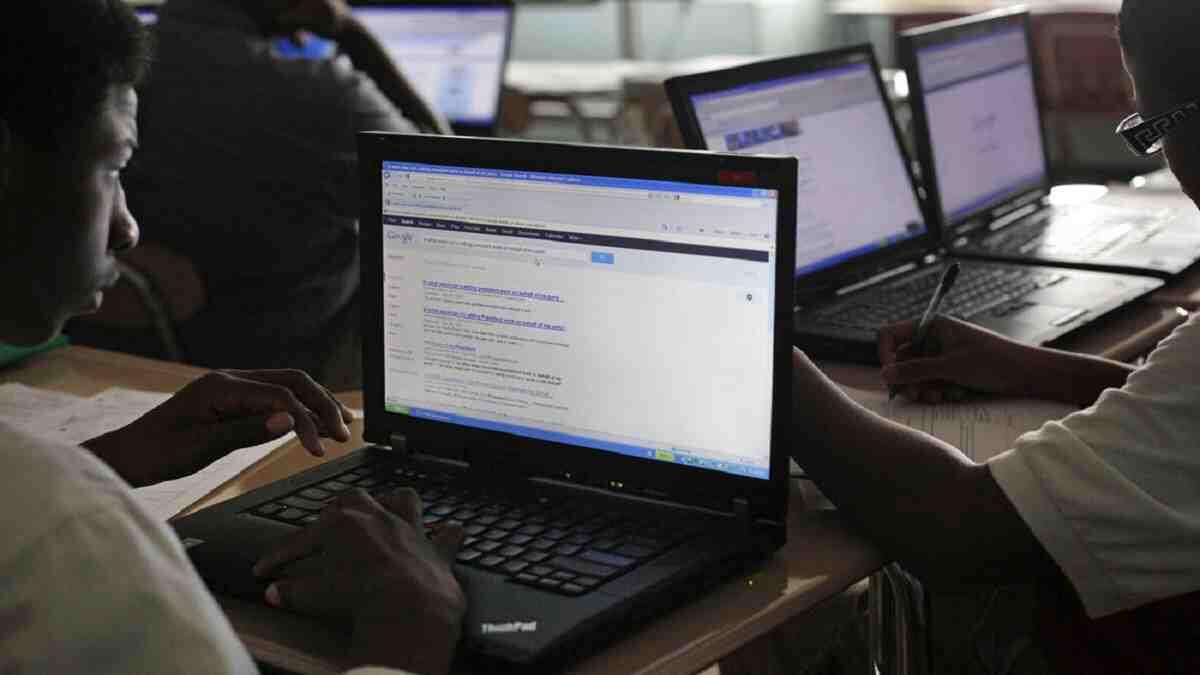
Beneficiaries are also advised to log out of their myNSFAS accounts after every use. Especially when using their personal laptop, computer, or internet cafes.
Changing their passwords once a month may also be beneficial. As this prevents scammers from having your recent credentials.
How To Change Your myNSFAS Password:
- Visit the NSFAS website and click on the "myNSFAS" tab.
- Enter your username and current password to log in to your account.
- Once you are logged in, click on the "My Account" tab at the top of the page.
- Under the "Personal Details" section, click on the "Change Password" button.
- Enter your current password and then create a new password that meets the password requirements listed on the page.
- Retype your new password in the "Confirm New Password" field.
- Click on the "Change Password" button to save your new password.
Once you have completed these steps, your myNSFAS password will be updated to your new password.
Furthermore, NSFAS has also advised the public to report any suspicions of student funding fraud. If anyone notices any irregularities or suspects anyone is misusing student funds, to please report it immediately.
Fraudulent activities can be reported using the Vuvuzela Hotlines:
- Phone: 0860 247 653
- Email: [email protected]
- SMS: Call Back Number to 30916.
To find out more about the NSFAS bursary, applications and the latest changes, head to our NSFAS page