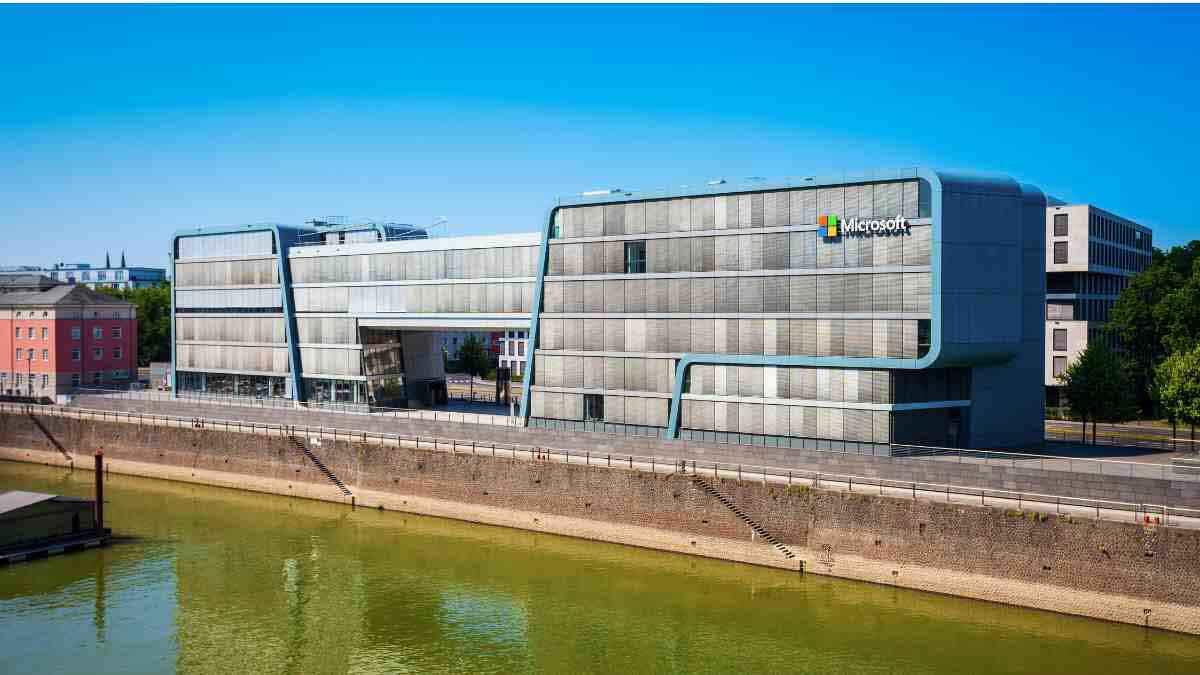
Microsoft is a global technology company that creates software, cloud services, and devices to help people and businesses work better.
In South Africa, Microsoft provides job opportunities in various fields, supporting local talent and contributing to the country’s digital growth.
Want to work for Microsoft? If so, here is a step-by-step guide on how to apply for jobs here:
1. Where to Find Microsoft Job Listings
Microsoft advertises all job vacancies on its official careers page: Microsoft Careers Page.
When you visit this page, you will see a search bar where you can look for jobs by entering keywords like "sales" or "admin".
You can also search for jobs by location, enter "South Africa" in the location field and click on the "Find Jobs" button. This will show you all available job openings in South Africa.
2. Using Filters to Refine Your Search
To make your job search easier, Microsoft provides different filters. These filters help you find jobs that match your experience, work preferences, and career goals. The available filters include:
- Experience – Choose between jobs for students and graduates or experienced professionals.
- Work Site – Select jobs that allow remote work (e.g., up to 50% work from home).
- Profession – Choose jobs based on field (e.g., sales, data centre, management).
- Discipline – Select a specific area within a profession (e.g., partner solution sales, account management).
- Role Type – Pick between roles such as individual contributor or team leader.
- Employment Type – Select between full-time jobs, internships, or part-time positions.
Each filter will indicate how many jobs are available. For example, if you see Employment Type: Full Time (43), it means there are 43 full-time job openings. Similarly, Profession: Sales (7) means there are 7 sales job postings.
After selecting your preferred filters, click "Find Jobs", and the job listings will update accordingly.
3. Understanding the Job Listings
All job openings are displayed with important details such as:
- Job Title – The position you are applying for.
- Date Posted – The date the job was listed.
- Location – The city or region in South Africa where the job is based.
- Work Site – Whether the job is remote, hybrid, or fully on-site.
To view more details about a job, click on the "See Details" link next to the job title.
4. Job Details and Requirements
Upon clicking on a job, you will see a full job description. The details usually include:
- Date Posted – When the job was made available.
- Job Number – A unique reference number for the job.
- Travel – The amount of travel required (e.g., 0-25%).
- Role Type – Whether the job is an individual contributor role or a management position.
- Profession – The career field the job falls under.
- Employment Type – Whether the job is full-time, part-time, or an internship.
- About Microsoft – A brief introduction to Microsoft as a company.
- Responsibilities – The duties and expectations for the role.
- Job Description – A summary of what the job entails.
- Minimum Qualification Requirements – The necessary education and skills.
- Experience Required – Previous work experience needed for the job.
- Skills and Competencies – Specific skills that will help in the role.
- Additional or Preferred Qualifications – Extra skills or certifications that can improve your chances.
- Benefits/Perks – Advantages such as discounts on Microsoft products, savings, and investment plans.
5. How to Apply
If you meet the job requirements and want to apply, follow these steps:
- Click on the "Apply" button.
- You will be required to sign in using one of these options:
- Microsoft Account
- Microsoft Employee Account (for internal applicants)
- Once signed in, upload your CV and certified copies of qualifications relevant to the job.
- Complete any additional forms and submit your application.
All in all, applying for a job at Microsoft in South Africa is a straightforward process. Make sure your CV is well-prepared and meets the job requirements before applying.