Yes, you can check your Sassa balance on your phone using the SASSA USSD code service.
How To Check Your Sassa Balance

Here's a step by step on how to check your Sassa balance.
- Dial 1203210# on your phone.
- Select option 1 for balance enquiry.
- Enter your ID number.
- Follow the prompts to complete the balance enquiry process.
Note that there may be a small charge for using the USSD service to check Sassa balance, depending on your mobile network provider. Also, make sure that your phone is connected to a network with good coverage in order to successfully use the service.
What is Sassa?
Sassa refers to the South African Social Security Agency, which is a government agency in South Africa responsible for providing social security services and grants to eligible citizens. Sassa was established in 2005 as part of the government's efforts to improve access to social security services and reduce poverty and inequality in the country.
Sassa also works to ensure that its services are accessible to all eligible citizens, including those living in rural and remote areas. The agency has established a network of regional offices and service points across the country to facilitate the delivery of its services.
It also collaborates with other government agencies, civil society organisations and community-based groups to ensure that its services are integrated and reach the most vulnerable and marginalised members of society.
The agency provides various grants and programmes to support vulnerable groups such as the elderly, people with disabilities and children from poor households. Sassa plays a critical role in ensuring that these groups have access to a basic standard of living and support to help them overcome socio-economic challenges.
Sassa is a key player in the social protection system of South Africa, and its grants and social security programmes help to address some of the most pressing social issues in the country. One way of doing this is through social grants.
What Sassa Grants Are There?
- Social Relief of Distress grant (SRD) R350 grant
- Child Support Grant
- Disability grant
- Foster Child grant
- Old Person's grant
- Care Dependency grant
- War Veterans grant
- Grant-in-Aid
How To Check Your Sassa Status
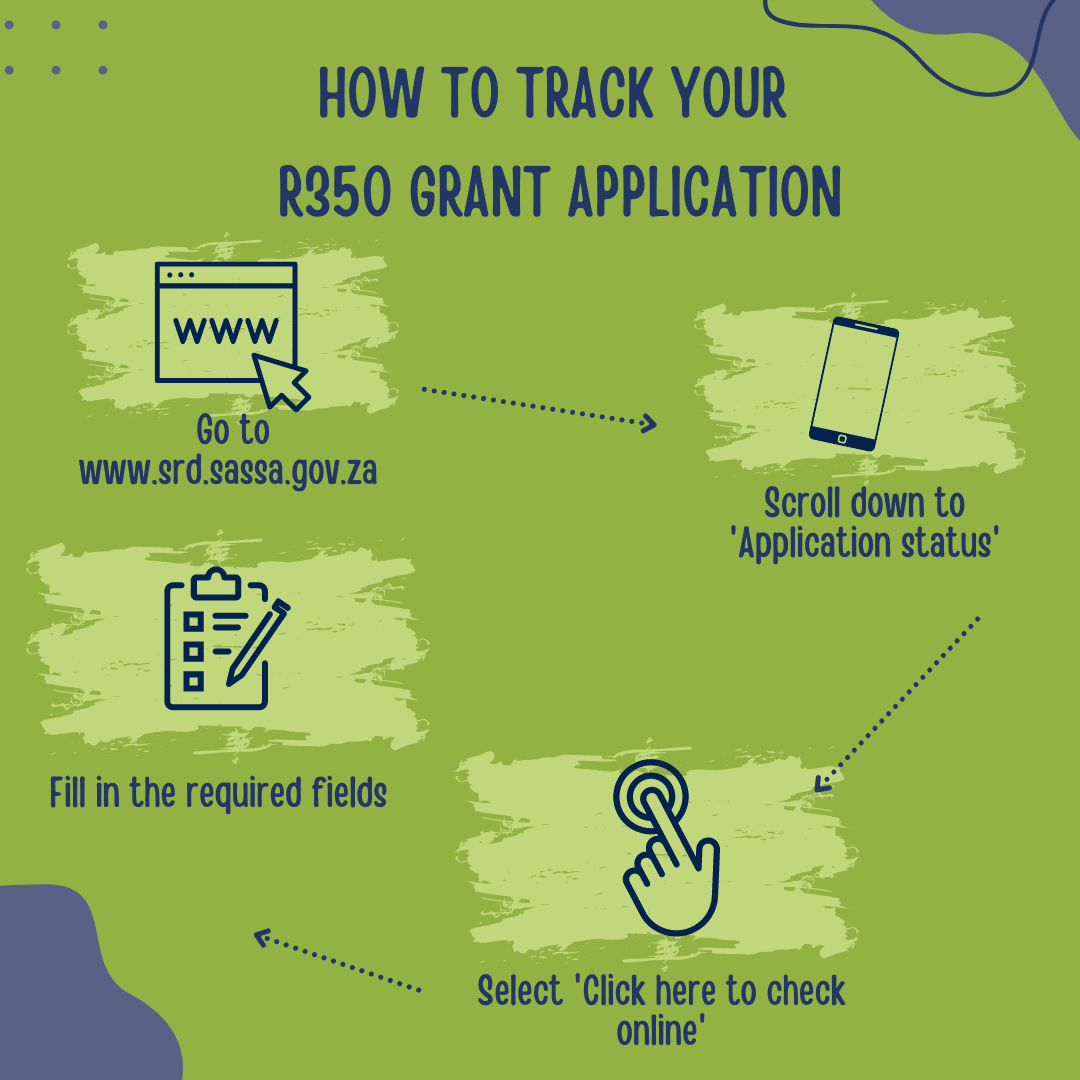
Here's how to check your Sassa application status for both the R350 grant and Sassa's permanent social grants:
Social Relief of Distress Grant
- Visit the official Sassa website for SRD grants.
- Scroll down to 'Application status'.
- Select 'Click here to check online'.
- Fill in the required fields.
- You should then be able to see the status of your R350 grant application.
Permanent Sassa Grant
- Visit the SASSA website.
- Enter your ID number.
- Enter your mobile phone number that you used to apply for.
- Track your grant application or overall status.
How To Collect Your Sassa Money
When choosing your Sassa payment method, you have a lot of options available.
Sassa’s permanent social grant beneficiaries usually have to have access to a bank account in order to access their grant payment. This usually takes the form of using a Sassa card which can be used in most retail outlets such as Pick n Pay, Shoprite, Boxer stores, Usave stores and Checkers or a traditional bank account.
You can also use a personal bank account from one of South Africa's major banks to get your Sassa grants.
The Post Office are unfortunately no longer available as a Sassa payment method.